Not another shallow cheat sheet. Real explanations, real examples, and the decision guides nobody else includes - merge vs rebase, reset vs revert, fetch vs pull.
Step-by-step guide to configuring Git username and email settings. Learn the difference between global and local Git config, how to set credentials for all repositories or specific projects, and how to verify your configuration.
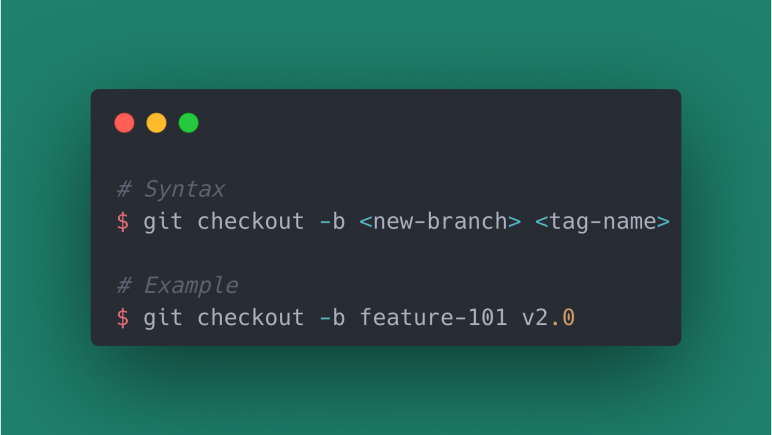
GIT tags are created to mark a specific point in git history and then deployed. But sometimes you might want to debug the deployed code and the best way is to create a new GIT branch from that tag.
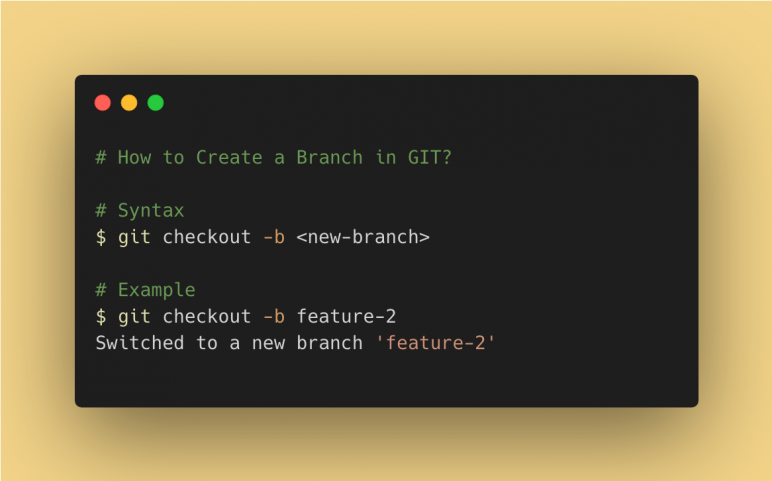
A new branch can be created with the ‘git checkout’ command with the ‘-b’ option and a new branch name as arguments. This will create a new branch from your current branch and also switch the branch to the new branch.
Git stash command is used to store changes that you don’t want to commit now and take you to the last commit of the branch. And later when you are ready you can come back to the same branch and reapply the stashed changes.
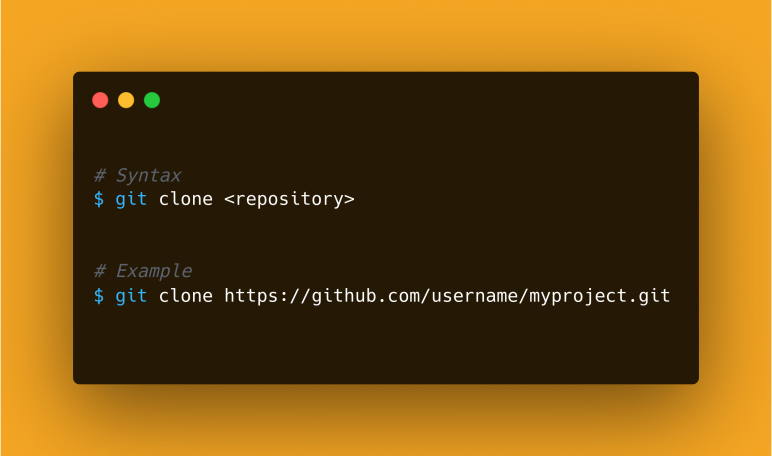
Git repository can be downloaded or cloned with the "git clone" command with the path of the repository as an argument. This will clone the specified git repository folder in your current directory.